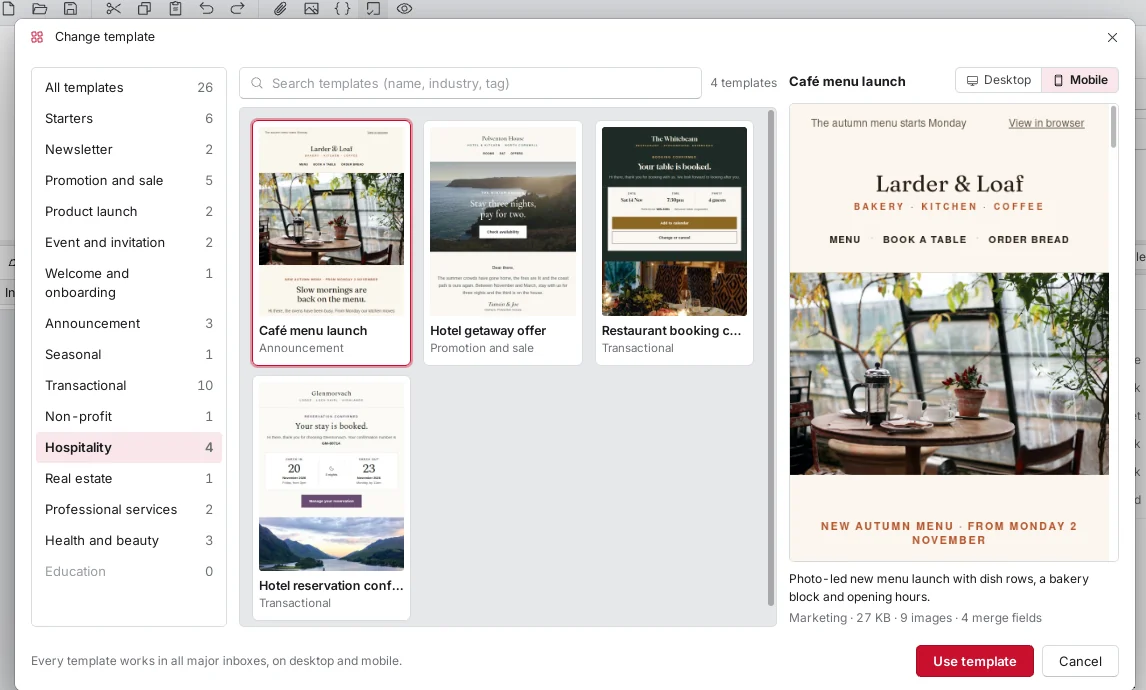
40 premium templates, with more on the way
Cafés, shops, estate agents, gyms and more. Pick a design, change the words and photos, and send.
Import your contacts, design a campaign and send it from your own accounts, on your computer or in ZirconOS.
Pricing announced soon. A one-time licence, with no subscription.

The same Classic app on
Everything a small business needs to send a proper newsletter, in one window you already know how to use.
Cafés, shops, estate agents, gyms and more. Pick a design, change the words and photos, and send.
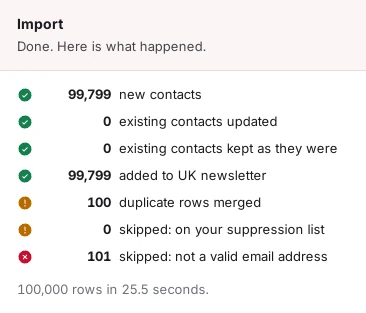
CSV and Excel import that matches your columns, merges duplicates and skips anyone who unsubscribed.
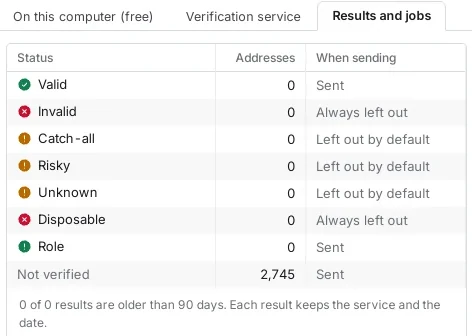
Free checks on your computer flag typos, disposable and role addresses. Add a verification service for mailbox-level checks.
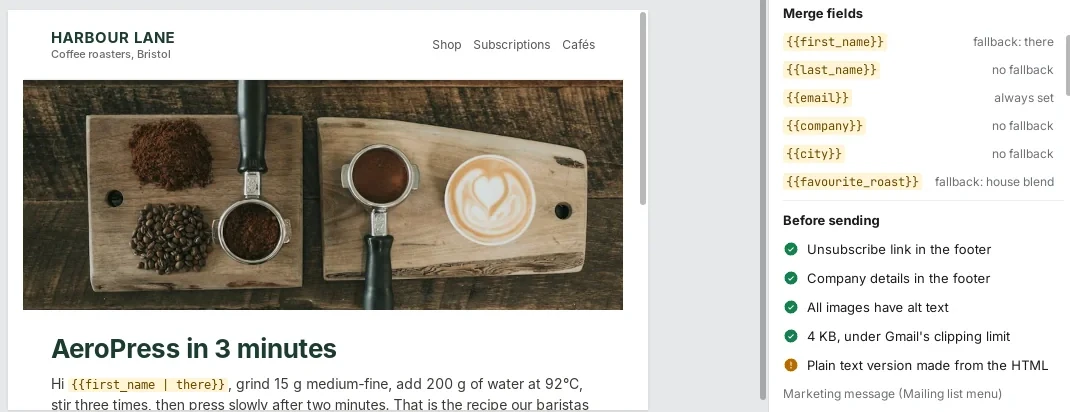
Visual editor, HTML and plain text, merge fields with fallbacks, and a test send to your own inbox.
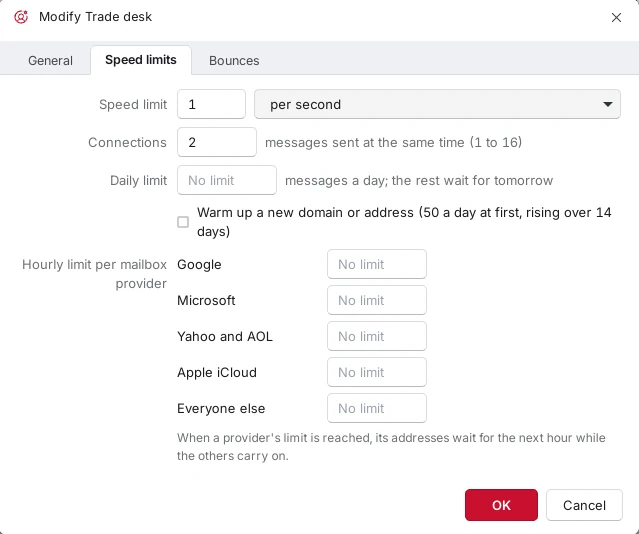
Send through your own business mailbox or delivery service. Give each account a speed limit, a daily cap and limits per mailbox provider, and warm up a new domain gently, so you stay within what your provider allows.
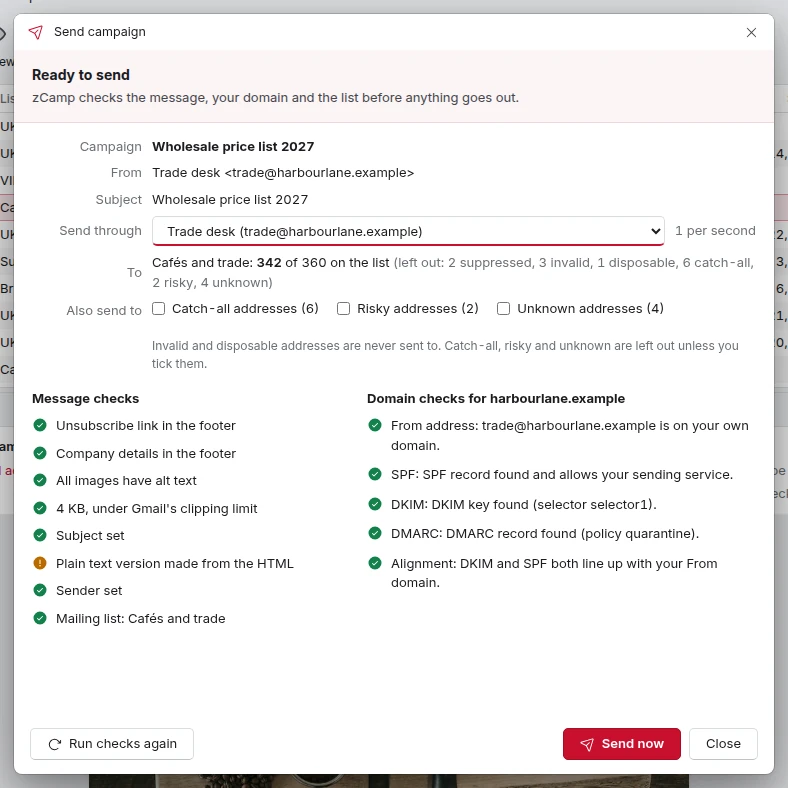
zCamp looks at the message, your domain and the list before it sends a single email, and tells you how to fix what it finds.
Install zCamp from the ZirconOS App Store. It is the same Classic app, and it keeps sending from Red Zircon servers around the clock, even with your computer switched off.
About ZirconOS →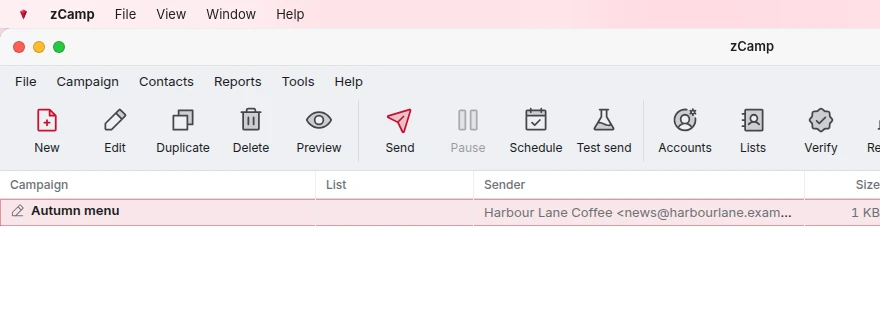
The desktop installers arrive when version 1 is finished. Licence holders get them in their Red Zircon account when they are released, at no extra cost. Your contacts stay in an encrypted database on your own computer.
A zCamp licence belongs to your Red Zircon account. Use it on one device at a time and move it whenever you like.
One payment per licence, never a monthly fee. Extra licences for more devices cost less.
Leave your email and we will tell you the price first.
No. You pay once for a licence and keep it. There is no monthly fee for the app.
One licence runs on one device at a time. Move it to another computer, or to ZirconOS, whenever you like. Buy extra licences at 60% off to run zCamp on more devices at once.
Yes. The same app runs on Windows, macOS and Linux, and inside ZirconOS. The ZirconOS edition is available now. The desktop downloads arrive with version 1, and buyers get them in their account when they are released.
It is the same Classic app, running in your ZirconOS desktop. It keeps sending from Red Zircon servers around the clock, even when you close the window or switch your computer off.
Your own: any sending account that offers SMTP, such as your business mailbox or a delivery service. You set a speed limit for each account, so you stay within what your provider allows.
On the desktop, in an encrypted database on your own computer. In ZirconOS, in your private ZirconOS workspace.
Yes. Your licence belongs to your Red Zircon account email. If you do not have an account yet, we email you a link to create one with the same address after you pay, and the licence attaches when you do.
Prices are shown without VAT. UK VAT at 20% is added at checkout, and you get a VAT receipt by email and in your account.
Start in ZirconOS today. Your desktop downloads follow with version 1.